
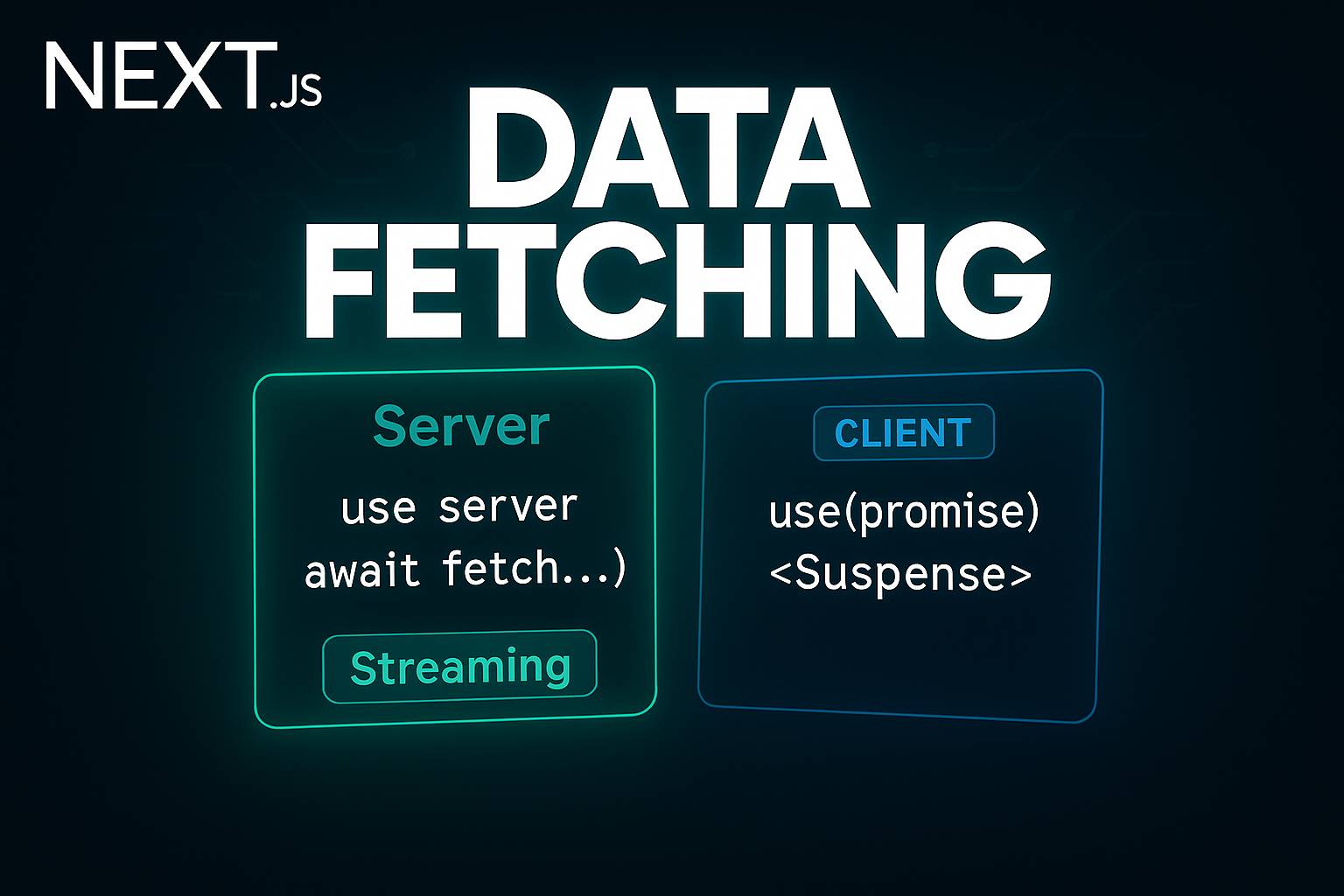
This article will walk you through how you can fetch data in Server and Client Components in Next.js with the App Router, and how to stream components that depend on data using Suspense.
Fetching Data in Server Components
You can fetch data in Server Components using the native fetch API. To do so, simply turn your component into an asynchronous function and await the fetch call.
//Example — Fetching Data from a Third-Party API
export default async function HomePage() {
  const response = await fetch("https://jsonplaceholder.typicode.com/todos");
  const todos = await response.json();

  return (
    <div>
      <h1 className="my-3 text-center text-3xl font-bold">Todo App</h1>
      <ul className="text-center">
        {todos?.map((todo) => (
          <li key={todo.id} className="mb-1 text-lg font-medium">
            {todo.title}
          </li>
        ))}
      </ul>
    </div>
  );
}
In most cases, you’ll want to abstract the fetching logic into a separate utility or service file for better reusability and testing.
//lib/util.ts
const getTodos = async () => {
  const response = await fetch("https://jsonplaceholder.typicode.com/todos");
  const todos = await response.json();
  return todos;
};
You can then reuse this function in your component:
export default async function HomePage() {
  const todos = await getTodos();

  return (
    <div>
      <h1 className="my-3 text-center text-3xl font-bold">Todo App</h1>
      <ul className="text-center">
        {todos?.map((todo) => (
          <li key={todo.id} className="mb-1 text-lg font-medium">
            {todo.title}
          </li>
        ))}
      </ul>
    </div>
  );
}
❗ However, note that this approach waits for all data to load before rendering the rest of the component.
This means even the <h1> tag won’t appear until the data is fully fetched, blocking the entire page render. To improve user experience, we can restructure our components to stream parts of the UI that depend on data separately using Suspense.
To allow parts of the page (like the title) to render immediately while data-dependent components load asynchronously, we can extract the list into its own component.
// app/components/TodosList.tsx
import { getTodos } from "@/lib/utils";

const TodosList = async () => {
  const todos = await getTodos();

  return (
    <ul className="text-center">
      {todos?.map((todo) => (
        <li key={todo.id} className="mb-1 text-lg font-medium">
          {todo.title}
        </li>
      ))}
    </ul>
  );
};
Now, use Suspense in the main page to show a fallback while the list loads:
// app/page.tsx
export default async function HomePage() {
  return (
    <div>
      <h1 className="my-3 text-center text-3xl font-bold">Todo App</h1>
      <Suspense fallback={<p className="text-center">Fetching todos...</p>}>
        <TodosList />
      </Suspense>
    </div>
  );
}
By doing this, the <h1> renders immediately, and the list is streamed to the browser once the data becomes available. This allows for faster perceived performance and better user experience.
💡 Pro-tip: It’s generally recommended to create a Data Access Layer (DAL) to centralize your data requests, validation, and authorization logic. You can learn more about building a DAL here.
Fetching Data in Client Components
In Client Components, we can’t make the component itself async, but we can still fetch data efficiently by combining React’s use hook with Suspense.
At the HomePage we can remove await from getTodos(). This way, it fires a network request immediately, but we pass the promise to the child component instead of waiting for it.
export default function HomePage() {
  const todosPromise = getTodos();
  return (
    <div>
      <h1 className="my-3 text-center text-3xl font-bold">Todo App</h1>
      <Suspense fallback={<p className="text-center">Fetching todos...</p>}>
        <TodosList todosPromise={todosPromise} />
      </Suspense>
    </div>
  );
}
The use hook will suspend the component until the data is ready, similar to how async/await works — but without blocking the entire UI. This pattern allows us to start rendering other components while waiting for the data to arrive.
const TodosList = ({ todosPromise }) => {
  const todos = use(todosPromise);
  return (
    <ul className="text-center">
      {todos?.map((todo) => (
        <li key={todo.id} className="mb-1 text-lg font-medium">
          {todo.title}
        </li>
      ))}
    </ul>
  );
};
Summary
- Server Components can fetch data directly using async functions.
- Client Components can use the use() hook and Suspense to handle asynchronous data.
- Suspense enables progressive rendering, so parts of your UI can stream in as data becomes available.