
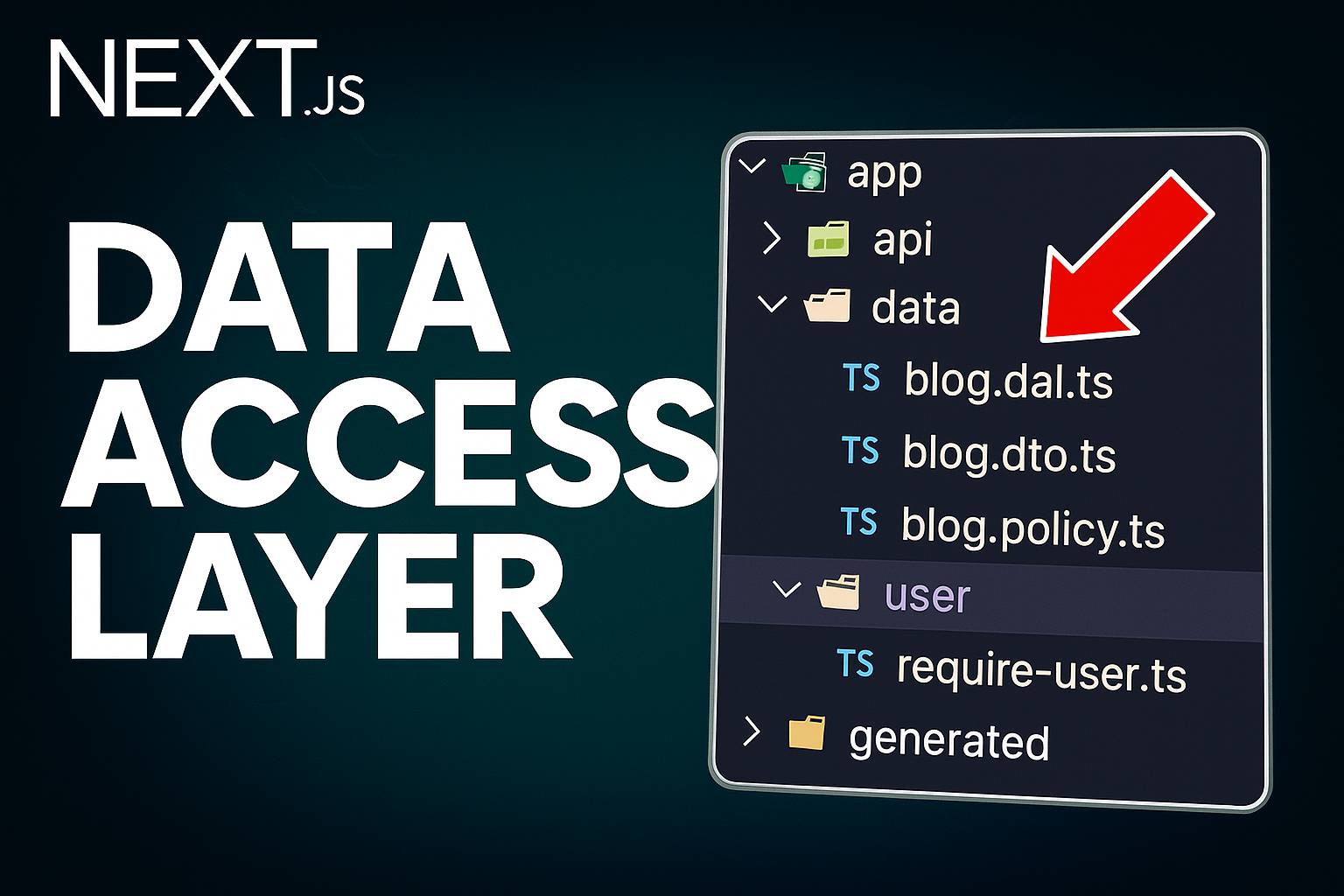
This article will walk you through how you can structure your Next.js application to use a Data Access Layer (DAL) the recommended approach for fetching data in modern Next.js projects. Additionally in cases where your app uses authentication, you’ll often need to perform an authentication check before interacting with any data.
The main idea behind a DAL is to have a centralized place for all data access and authorization logic. Instead of fetching data directly inside your components, you move this logic into separate files. This makes your codebase easier to organize, secure, and maintain.
Example: Basic Data Fetching in a Page
Here’s a simple example of fetching a user in a Next.js page:
// app/users/page.tsx
const getUser = async (id: string) => {
  const res = await fetch(`https://jsonplaceholder.typicode.com/users/${id}`);
  const user = await res.json();
  return user;
};

const UserPage = async ({ params }: Params) => {
  const { id } = await params;
  const user = await getUser(id);
  return <div>UserPage, {user.name}</div>;
};
While this works, it mixes data fetching and UI logic. A cleaner approach is to move data logic to a separate file inside a data folder.
Moving Logic into the Data Layer
You can create a new folder called data, and inside it, add a user folder. Move your fetching logic into a new file, for example:
// app/data/user/get-user.ts
import "server-only";

export const getUser = async (id: string) => {
  const res = await fetch(`https://jsonplaceholder.typicode.com/users/${id}`);
  const user = await res.json();
  return user;
};
The line import server-only ensures this module is only executed on the server, preventing it from being called from a client component — keeping your data layer secure.
Adding Authentication Logic
Similarly, you can create an authentication module inside app/data/auth/auth.ts:
// app/data/auth/auth.ts
import { cache } from "react";
import { cookies } from "next/headers";

export const requireUser = async () => {
  const token = cookies().get("AUTH_TOKEN");
  const decodedToken = await decryptAndValidate(token);

  if (!decodedToken) redirect("api/auth/login");

  return decodedToken;
};
Combining Authentication with Data Fetching
Now that we have both getUser and requireUser, we can require authentication before fetching data by calling requireUser() inside our DAL function.
// app/data/user/get-user.ts
import "server-only";
import { requireUser } from "@/app/data/auth/auth";

export const getUser = async (id: string) => {
  await requireUser();
  const res = await fetch(`https://jsonplaceholder.typicode.com/users/${id}`);
  const user = await res.json();
  return user;
};
This means user session validation happens before any API request. So, instead of verifying authentication inside each page, we handle it once — in our data layer.
Benefits of Using a Data Access Layer
- Centralization: All data-related logic (fetching, auth, validation) lives in one place.
- Consistency: Updating a single function updates logic across your app.
- Security: Ensures only server-side functions can access sensitive APIs.
- Reusability: The same logic can be used across multiple pages or components.
⚡ Bonus Tip: Caching Authentication Checks
To optimize repeated calls, we can cache our authentication check. This way, if multiple DAL functions request the current user, we only perform the validation once per render.
// app/data/auth/auth.ts
import { cache } from "react";
import { cookies } from "next/headers";

export const requireUser = cache(async () => {
  const token = cookies().get("AUTH_TOKEN");
  const decodedToken = await decryptAndValidate(token);

  if (!decodedToken) redirect("api/auth/login");

  return decodedToken;
});
The cache utility ensures this function is scoped and does not persist across requests, but avoids redundant calls during a single render pass.